soulteary/sqlite-wordpress
WordPress with SQLite, ready to use out of the box.
Image
Languages & frameworks
Web servers
Content management system
3
10K+
soulteary/sqlite-wordpress repository overview
Docker SQLite WordPress

WordPress with SQLite, ready to use out of the box.
- Based on official image, Easier and more sustainable solution.
- DockerHub Page: https://hub.docker.com/r/soulteary/sqlite-wordpress
Quick Start
You can download GitHub's clean and secure docker image using the following command:
# use latest
docker pull soulteary/sqlite-wordpress
# use specify version
docker pull soulteary/sqlite-wordpress:6.5.2
Use the following command to quickly launch the wordpress with port 8080:
docker run --rm -it -p 8080:80 -v `pwd`/wordpress:/var/www/html soulteary/sqlite-wordpress
You can also use docker compose to start wordpress:
version: '3'

services:

  wordpress:
    image: soulteary/sqlite-wordpress:6.5.2
    restart: always
    ports:
      - 8080:80
    volumes:
      - ./wordpress:/var/www/html
Save the file as docker-compose.yml and then execute docker compose up, then use browser access to localhost:8080.
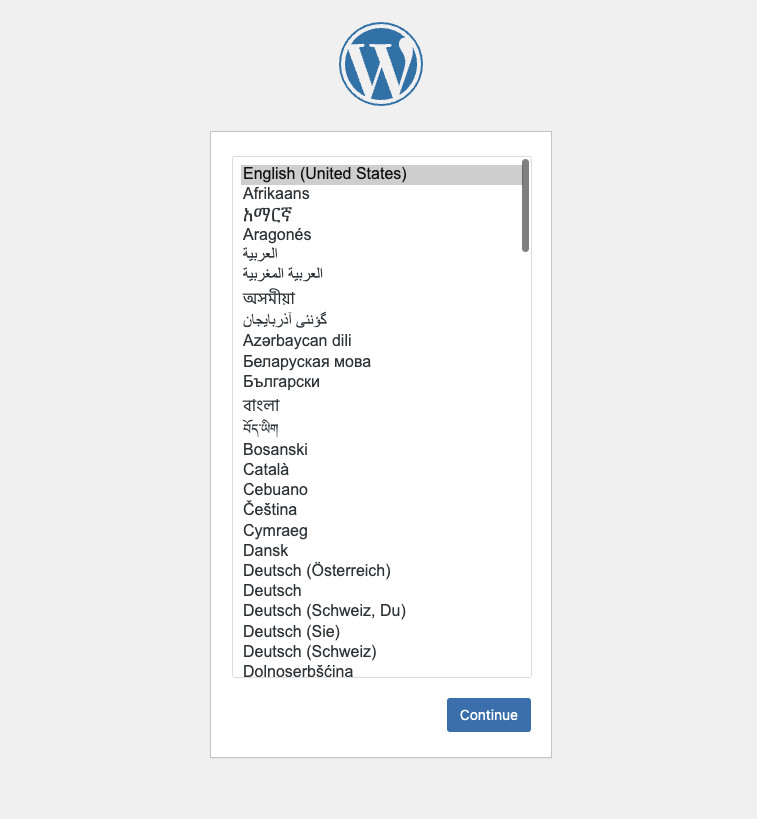
Use the quick 1-minute initial installation, enjoy.
Tag summary
Content type
Image
Digest
sha256:4bf92a2cb…
Size
259 MB
Last updated
5 months ago
docker pull soulteary/sqlite-wordpress:6.9.1