rjpr/snappass
A modernized fork of Pinterest's SnapPass. Share secrets securely via encrypted, one-time use links.
943
rjpr/snappass repository overview
SnapPass



A modernized fork of Pinterest's SnapPass - Share secrets securely through encrypted, one-time use links.
📦 View on GitHub | 📖 Full Documentation | 🐛 Report Issues
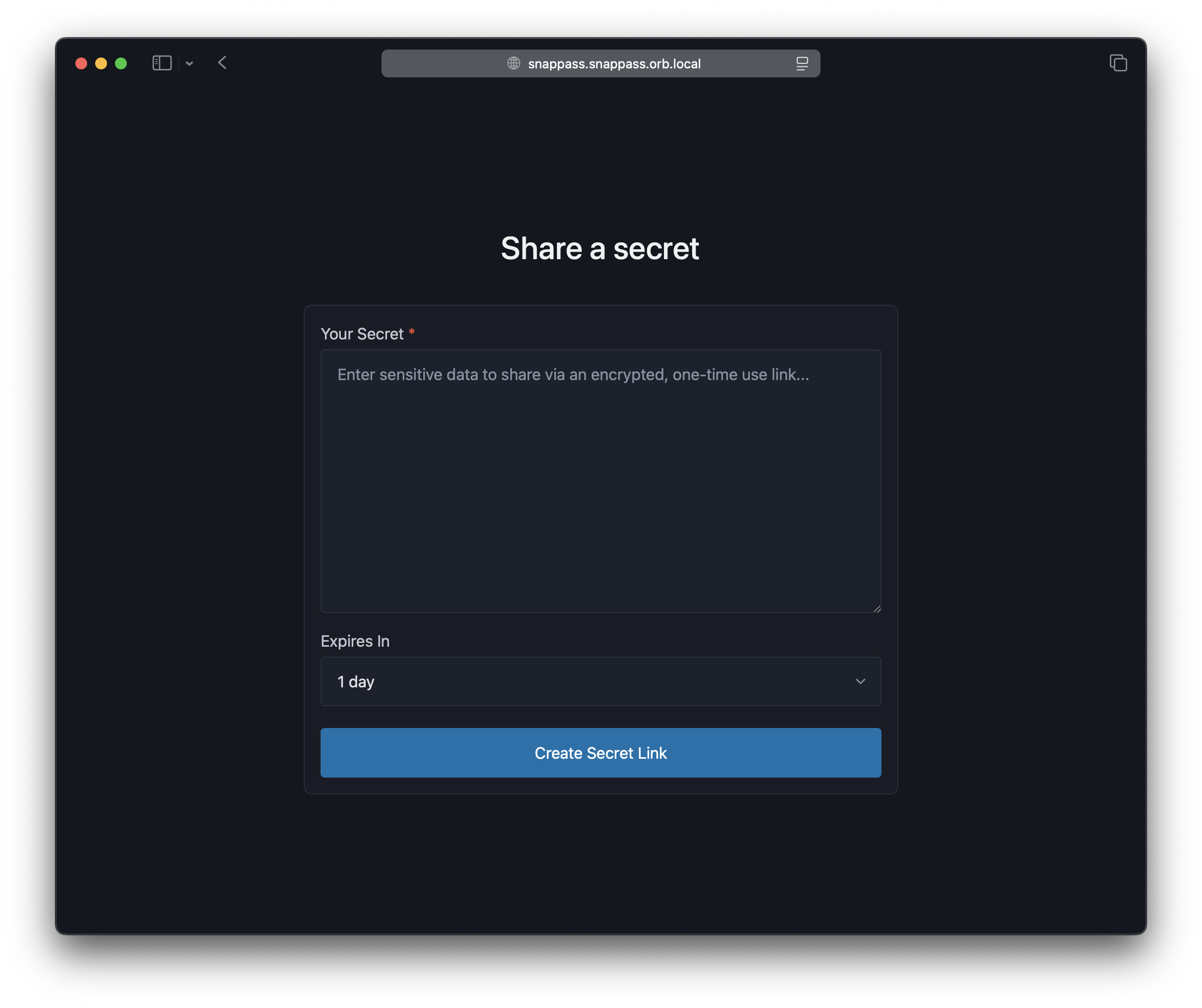
This version features a modern UI with Pico CSS theming, dark mode support, and extended configuration options. For the original project, see pinterest/snappass.
Overview
SnapPass is a web application for sharing passwords and sensitive data through secure, self-destructing links. Share a secret via URL that expires after being viewed once or after a time limit — no permanent record in email or chat logs.
What's New in This Fork:
- Modern, lightweight UI with Pico CSS (95% smaller than Bootstrap)
- Dark mode with automatic system detection
- 20 color themes plus custom color support
- Faster load times and improved mobile experience
- Enhanced configuration with environment variables
- Production-ready Docker deployment
- Python 3.9-3.13 support with latest dependencies
Simple, secure, and now with a modern interface that respects your users' preferences.
Security
Passwords are encrypted using Fernet symmetric encryption, from the cryptography library. A random unique key is generated for each password, and is never stored; it is rather sent as part of the password link. This means that even if someone has access to the Redis store, the passwords are still safe.
Quick Start
Using Docker Run
# Start Redis
docker run -d --name redis redis:latest

# Run SnapPass
docker run -d \
  --name snappass \
  --link redis:redis \
  -p 5000:5000 \
  -e REDIS_HOST=redis \
  -e SECRET_KEY=your-secret-key-here \
  rjpr/snappass
SnapPass will be accessible at http://localhost:5000
Using Docker Compose
Download the production-ready docker-compose.example.yml from the repository, customize the SECRET_KEY and other environment variables, then:
docker-compose up -d
The example configuration includes Redis persistence, restart policies, and comprehensive comments for all configuration options.
Configuration & Migration
Environment variables: See the full configuration documentation for all available options including theme customization, Redis settings, and server configuration.
Migrating from Pinterest's SnapPass? Check the migration guide for backwards compatibility instructions.
Tag summary
Content type
Image
Digest
sha256:9c001979f…
Size
38.1 MB
Last updated
6 months ago
docker pull rjpr/snappass