palemoky/paper-pi
🖥 A personalized, asynchronous dashboard for Waveshare E-Ink displays, built with Python and Dock
10K+
palemoky/paper-pi repository overview
Powered by Pi, rendered in Pixels.
Paper Pi





A modern, modular, and highly customizable dashboard for Waveshare E-Ink displays. Built with Python 3.14+ using async/await patterns and a clean, testable architecture.
🚀 Quick Start with Docker
The easiest way to run is using Docker - it handles all dependencies and driver setup automatically.
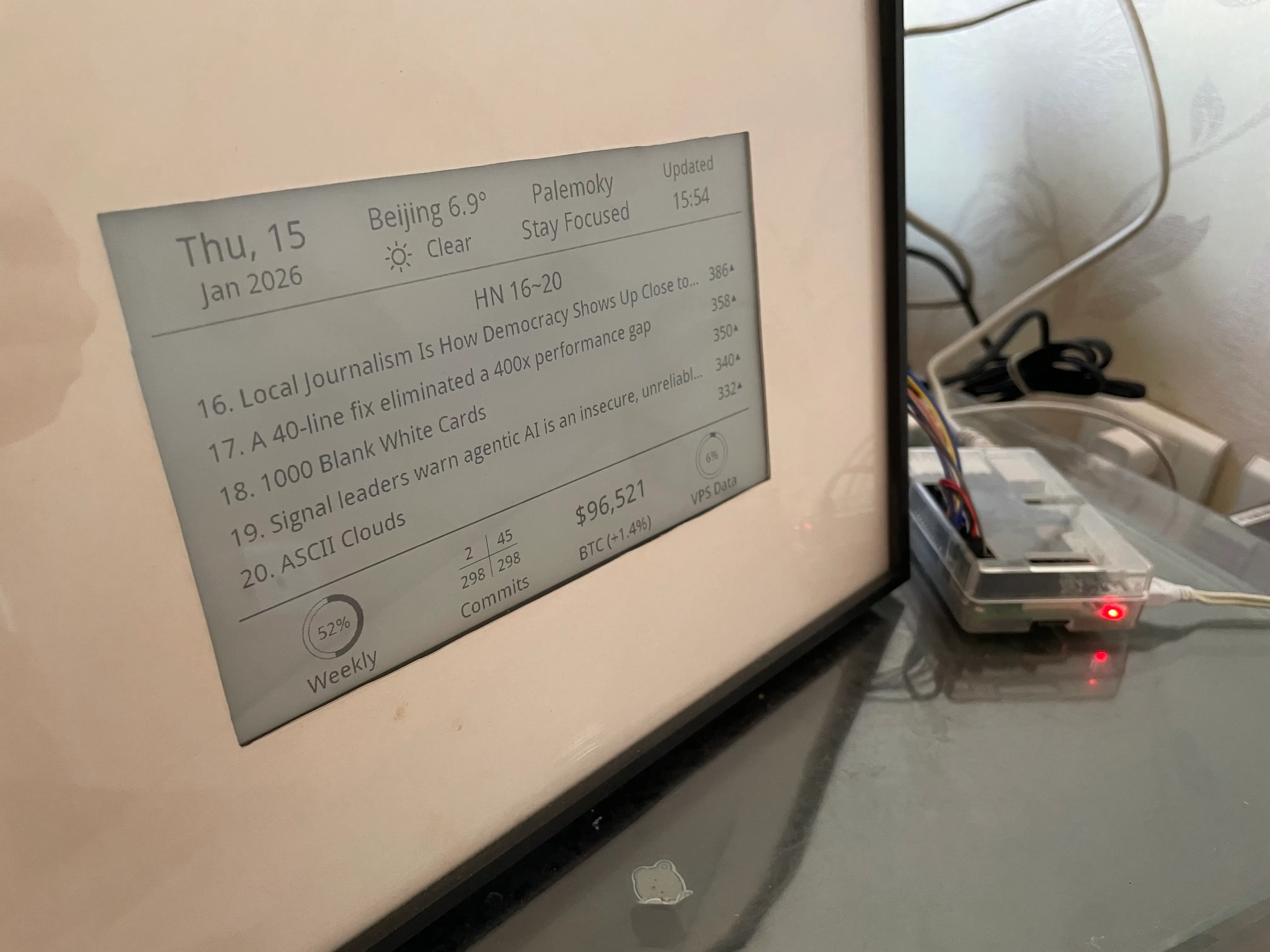
Screenshots
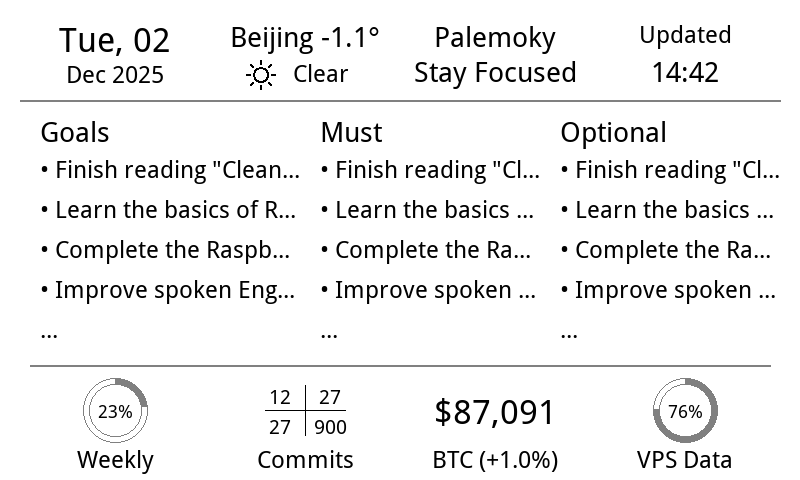
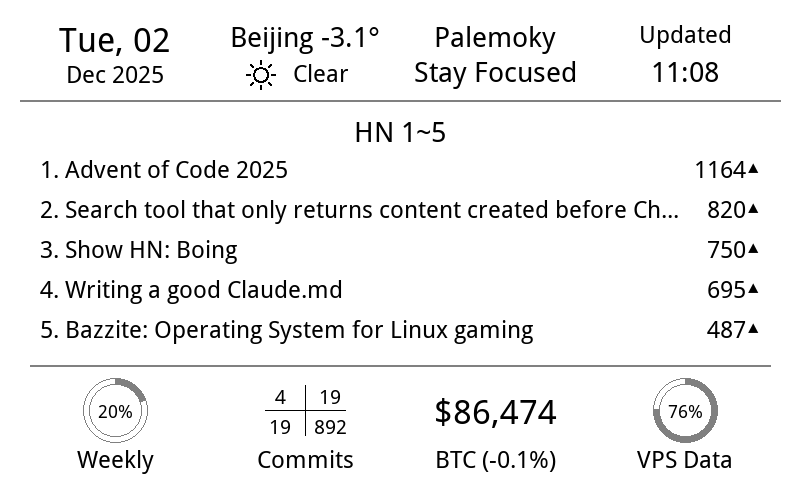
📊 Dashboard
| Todo | HackerNews |
|---|---|
 |  |
🥷 Other Modes
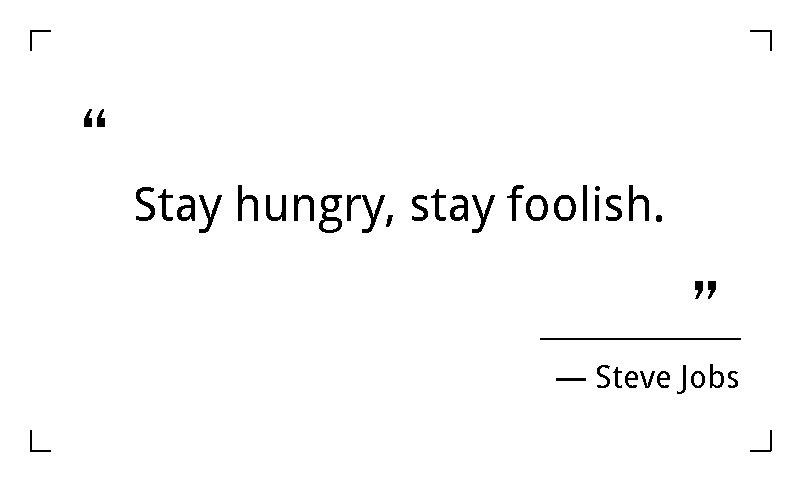
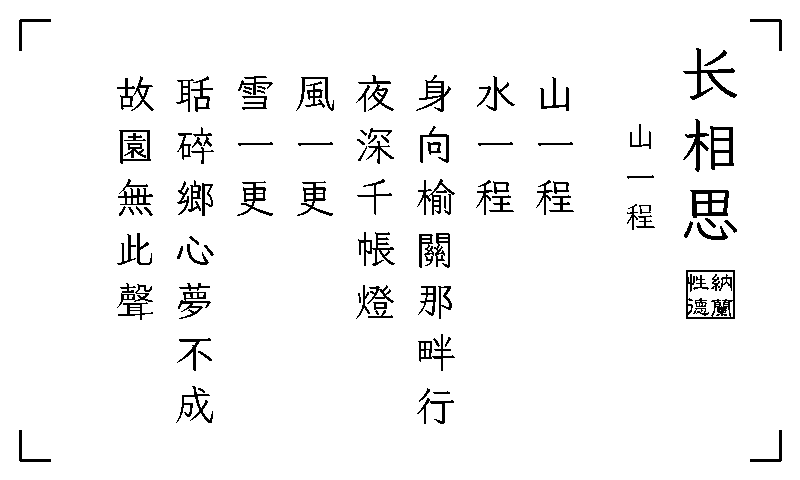
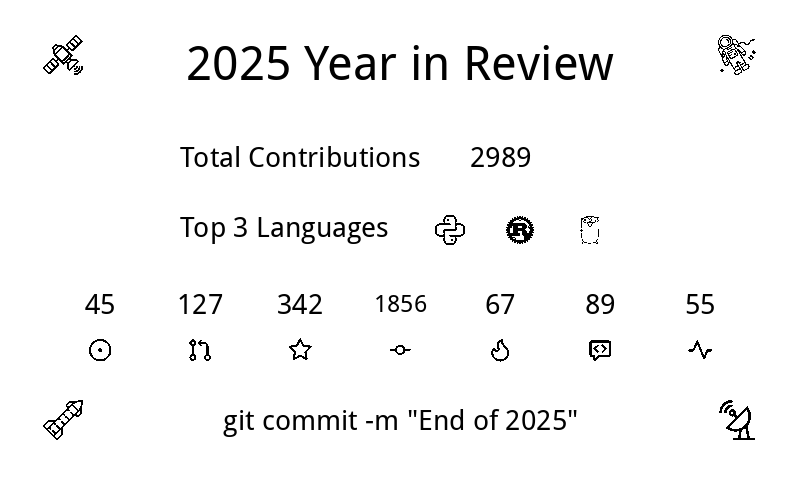
| Quote | Poetry | Wallpaper | Year-End Summary |
|---|---|---|---|
 |  |  |  |
🎉 Special Days
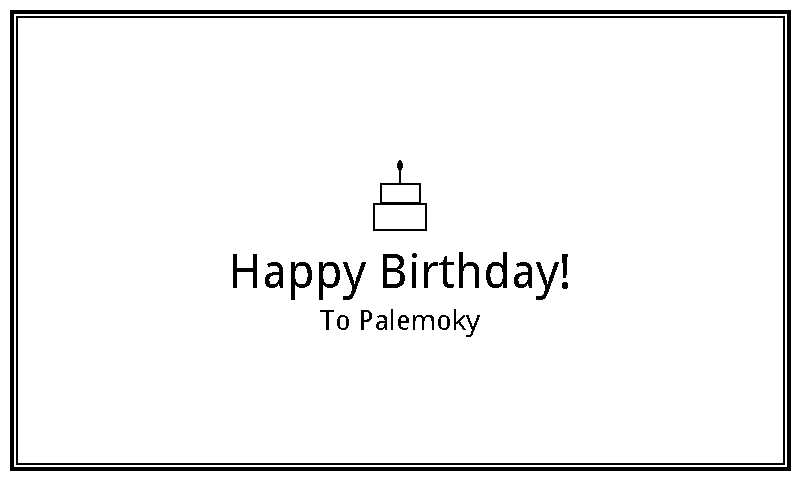
| Happy Birthday | Anniversary | Valentine's Day |
|---|---|---|
 |  |  |
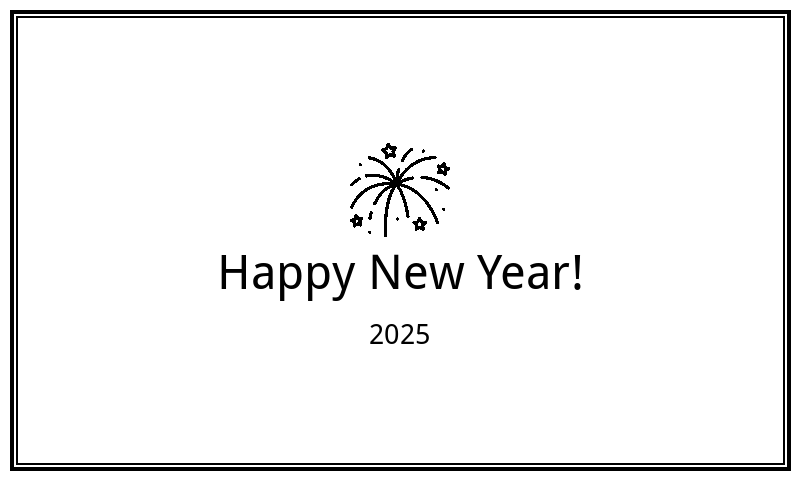
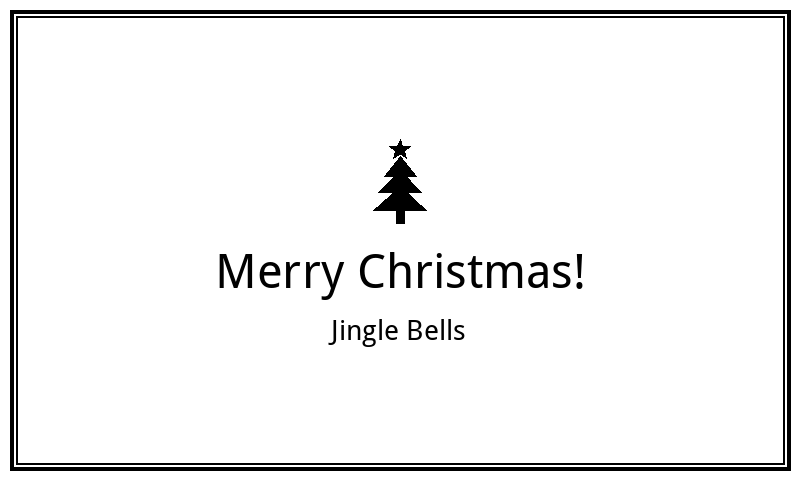
| Happy New Year | Spring Festival | Mid-Autumn Festival | Christmas |
|---|---|---|---|
 |  |  |  |
Pull and Run
# Pull the latest image
docker pull palemoky/paper-pi:latest

# Or use GitHub Container Registry
docker pull ghcr.io/palemoky/paper-pi:latest

# Run with docker-compose (recommended)
git clone https://github.com/palemoky/paper-pi.git
cd paper-pi
cp .env.example .env
# Edit .env with your API keys

# For dashboard/quote/wallpaper modes (default)
docker-compose up -d
Supported Platforms
linux/arm64- Raspberry Pi 3/4/5 (64-bit)
✨ Features
📊 Dashboard Widgets
- Custom To-Do Lists - Three customizable lists (Goals/Must/Optional) with strikethrough for completed items
- HackerNews - Auto-rotating top stories with pagination and configurable display time (HN Top Links & HN Best)
- Real-time Weather - OpenWeatherMap integration with icon support
- GitHub Contributions - Daily/Weekly/Monthly/Yearly stats with grid layout
- Bitcoin Price - Live BTC price with 24h change percentage
- VPS Data Usage - Monitor your server's data consumption
- Weekly Progress - Visual progress ring for the current week
🎨 Display Modes
- Dashboard - Main information display with time-based TODO/HN switching
- Quote - Inspirational quotes
- Poetry - Classical Chinese poetry
- Holiday Greetings - Auto-triggered on special days
- Wallpaper - Custom images
🎉 Smart Features
- Year-End Summary - Automatic GitHub contribution summary on Dec 31st
- Holiday Detection - Auto-displays greetings for:
- Birthdays & Anniversaries (configurable)
- Lunar New Year (Spring Festival)
- Mid-Autumn Festival
- New Year's Day & Christmas
- Time-based Switching - Configurable time slots for TODO lists vs HackerNews
- Quiet Hours - Configurable sleep period (e.g., 1 AM - 6 AM)
- Grayscale Support - 4-level grayscale for enhanced visual quality (white/light gray/dark gray/black)
- Audio Notifications - Xiaomi speaker integration for alerts and announcements
🏗️ Modern Architecture
- Async/Await - Built with
asyncioandhttpxfor concurrent operations - Modular Design - 23+ focused modules following Single Responsibility Principle
- Type Safety - Full type hints with mypy validation
- Plugin System - Extensible display mode system
- Event Bus - Decoupled component communication
- Smart Caching - TTL-based caching with LRU eviction
- Unified Retry - Automatic retry with exponential backoff using
tenacity - Task Management - Async task lifecycle management
- Config Hot Reload - Runtime configuration updates with
watchdog - Graceful Shutdown - Proper SIGTERM/SIGINT handling
🧪 Quality & Testing
- Unit Tests - 90+ tests with 66% overall coverage
- Core Modules - 77%+ coverage on critical components
- CI/CD - Automated testing, type checking, and Docker builds via GitHub Actions
- Type Checking - Full mypy validation with strict mode
- Code Quality - Ruff linting and formatting
- Pre-commit Hooks - Automated code quality checks before commits
- Mock System - CLI tool for generating test images without hardware
🏛️ System Architecture
The E-Ink Dashboard follows a modular, event-driven architecture with clear separation of concerns:
flowchart LR
    %% --- Style Definition ---
    classDef control fill:#e1f5fe,stroke:#01579b,stroke-width:2px;
    classDef data fill:#f3e5f5,stroke:#4a148c,stroke-width:2px;
    classDef render fill:#fff3e0,stroke:#e65100,stroke-width:2px;
    classDef hw fill:#e8f5e9,stroke:#1b5e20,stroke-width:2px;
    classDef subBox fill:#ffffff,stroke:#90a4ae,stroke-width:1px,stroke-dasharray: 5 5;

    %% --- 1. Control Layer ---
    subgraph ControlLayer ["🎮 Core & Control"]
        direction TB
        Main("Main Orchestrator")
        Config("Config & Hot Reload")
        DisplayCtrl{{"Display Controller"}}
        TaskMgr("Task Manager")
    end

    %% --- 2. Data Layer ---
    subgraph DataLayer ["📡 Data Acquisition"]
        direction TB
        Fetcher("Data Fetcher")

        subgraph Providers ["Providers"]
            External["External APIs<br/>(Weather, GitHub, BTC, HN)"]
            Local["Local Info<br/>(Quotes, Poetry, TODO)"]
        end

        subgraph Storage ["State Management"]
            Cache[("Cache (TTL/LRU)")]
            State[("Persistence DB")]
        end
    end

    %% --- 3. Render Layer ---
    subgraph RenderLayer ["🎨 Rendering Engine"]
        direction TB
        ImgBuilder("Image Builder")

        subgraph Strategies ["Layout Strategies"]
            DashLayout["Dashboard Layout"]
            ContextLayouts["Context Layouts<br/>(Holiday, Quote, Poetry)"]
        end

        Renderer["Primitive Renderers<br/>(Text, Icons, Shapes)"]
    end

    %% --- 4. Hardware Layer ---
    subgraph HWLayer ["🖥️ Hardware Output"]
        direction TB
        DriverFac("Driver Factory")
        EPD["E-Paper Driver"]
        Mock["Mock (PNG)"]
    end

    %% --- Connection Logic ---
    %% Control Flow
    Main --> Config & TaskMgr
    Main --> DisplayCtrl
    Config -.-> Main

    %% Data Flow
    Main --"Trigger"--> Fetcher
    Fetcher --> External & Local
    External & Local -.-> Storage

    %% Render Flow
    DisplayCtrl --"Select Mode"--> ImgBuilder
    ImgBuilder --"Get Data"--> Storage
    ImgBuilder --> DashLayout & ContextLayouts
    DashLayout & ContextLayouts --> Renderer

    %% Output Flow
    Renderer --> DriverFac
    DriverFac --> EPD & Mock

    %% --- Application Style ---
    class Main,Config,DisplayCtrl,TaskMgr control
    class Fetcher,External,Local,Cache,State data
    class ImgBuilder,DashLayout,ContextLayouts,Renderer render
    class DriverFac,EPD,Mock hw
    class Providers,Storage,Strategies subBox
🔑 Token Sync (macOS → Raspberry Pi)
When your tokens are only available on macOS (Keychain/local auth files), use file-based secrets and sync them to Raspberry Pi:
- Configure Docker to mount host secrets directory as read-only (already included in
docker-compose.yml):
volumes:
  - ${PAPER_PI_SECRETS_DIR:-./secrets}:/run/secrets:ro
- Set token file environment variables in
.env:
CLAUDE_OAUTH_TOKEN_FILE=/run/secrets/claude_oauth_token
CHATGPT_OAUTH_TOKEN_FILE=/run/secrets/chatgpt_oauth_token
KIMI_API_KEY_FILE=/run/secrets/kimi_api_key
- From your macOS machine, install the launchd sync daemon:
# install (interactive — prompts for repo path, Pi SSH host, secrets dir)
bash <(curl -fsSL https://raw.githubusercontent.com/palemoky/paper-pi/main/scripts/install_launchd.sh)

# view logs
tail -f /tmp/sync_ai_tokens.log

# uninstall
bash <(curl -fsSL https://raw.githubusercontent.com/palemoky/paper-pi/main/scripts/install_launchd.sh) uninstall
Note
- The app reads token files on every usage query (no restart needed after token refresh).
- If a usage request returns non-200 (token likely expired), that provider switches to
--fallback and pauses further requests with the same token until a new token is synced.- Secret files are mounted read-only in container and written only on Raspberry Pi host.
🖥️ Hardware Support
- Primary: Waveshare 7.5inch E-Paper HAT (V2)
- Other Models: Configurable via
EPD_MODELenv var (supports most models in the official repo) - Platform: Raspberry Pi (Zero/3/4/5) or any Linux board with SPI/GPIO
🙏 Acknowledgments
-
Antigravity for the pair programming
-
Waveshare for E-Ink display drivers
-
Chinese Poetry, LxgwWenKai, Hanyi for poetry
-
Flaticon, Weather Icons for icons
-
CoinGecko for BTC price
-
OpenWeatherMap for weather
-
Figma for UI design
-
CodexIsland and BluETag for AI token usage
-
All the open-source libraries that make this project possible
Tag summary
Content type
Image
Digest
sha256:7efa0ab9a…
Size
72 MB
Last updated
about 1 month ago
docker pull palemoky/paper-pi