kshitizb/vnstat-dashboard
Monitor your network interface statistics in real-time
Image
Networking
0
6.7K
kshitizb/vnstat-dashboard repository overview

VNStat Dashboard
A sleek, responsive, containerized web dashboard to visualize network interface statistics using vnstat.
✨ Features
- Real-time traffic display from
vnstat - Graphs for Hourly, Daily, Monthly, Yearly usage
- Responsive, dark-mode friendly UI
- Dockerized for portability
- Uses a single container for backend + frontend
- Automatic Interface Detection – no hardcoded
eth0,wlan0etc. - Custom interface filtering via environment variables
- Works on ARM (Raspberry Pi) and x86 systems
📦 Technologies Used
- Frontend: React + TailwindCSS + Recharts
- Backend: Node.js + Express
- System: vnStat CLI
- Containerization: Docker (multi-stage Alpine build)
🚀 Getting Started
1. Clone the Repository
git clone https://github.com/Kshitiz-b/vnstat-dashboard.git
cd vnstat-dashboard
2. Build Docker Image
docker build -t vnstat-dashboard .
3. Run the Container
Make sure to use --privileged so that vnstat inside the container can access system data:
docker run -d \
  --name vnstat-dashboard \
  --privileged \
  --network host \
  -v /var/lib/vnstat:/var/lib/vnstat:ro \
  kshitizb/vnstat-dashboard
4. Access the Dashboard
Open your browser and navigate to:
http://localhost:8050
🐳 Using Docker Compose
A ready-to-use docker-compose.yml is included:
services:
  vnstat-dashboard:
    image: kshitizb/vnstat-dashboard:latest
    network_mode: host
    privileged: true
    volumes:
      - /var/lib/vnstat:/var/lib/vnstat:ro
    restart: unless-stopped
Run with:
docker compose up -d
🧭 Environment Variables
| Variable | Description | Default |
|---|---|---|
PORT | Port the app listens on | 8050 |
FRONTEND_DIR | Path to built frontend | frontend-build |
ALLOWED_PREFIXES | Comma-separated list of allowed interface prefixes | eth,enp,wlan,wlp,tailscale,docker |
ALLOWED_INTERFACES | Explicit interface names (overrides prefix detection) | (none) |
🖼️ Screenshots
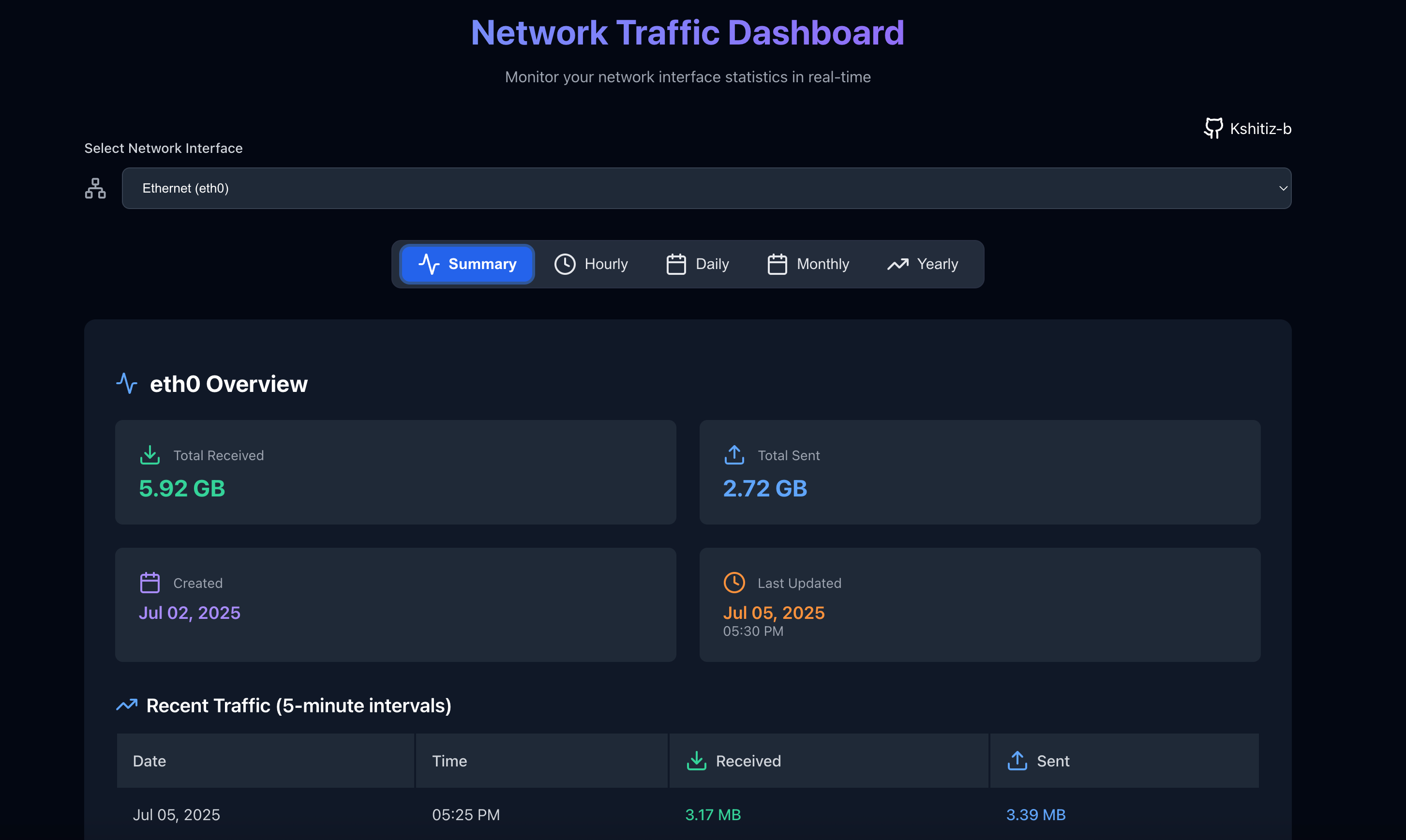
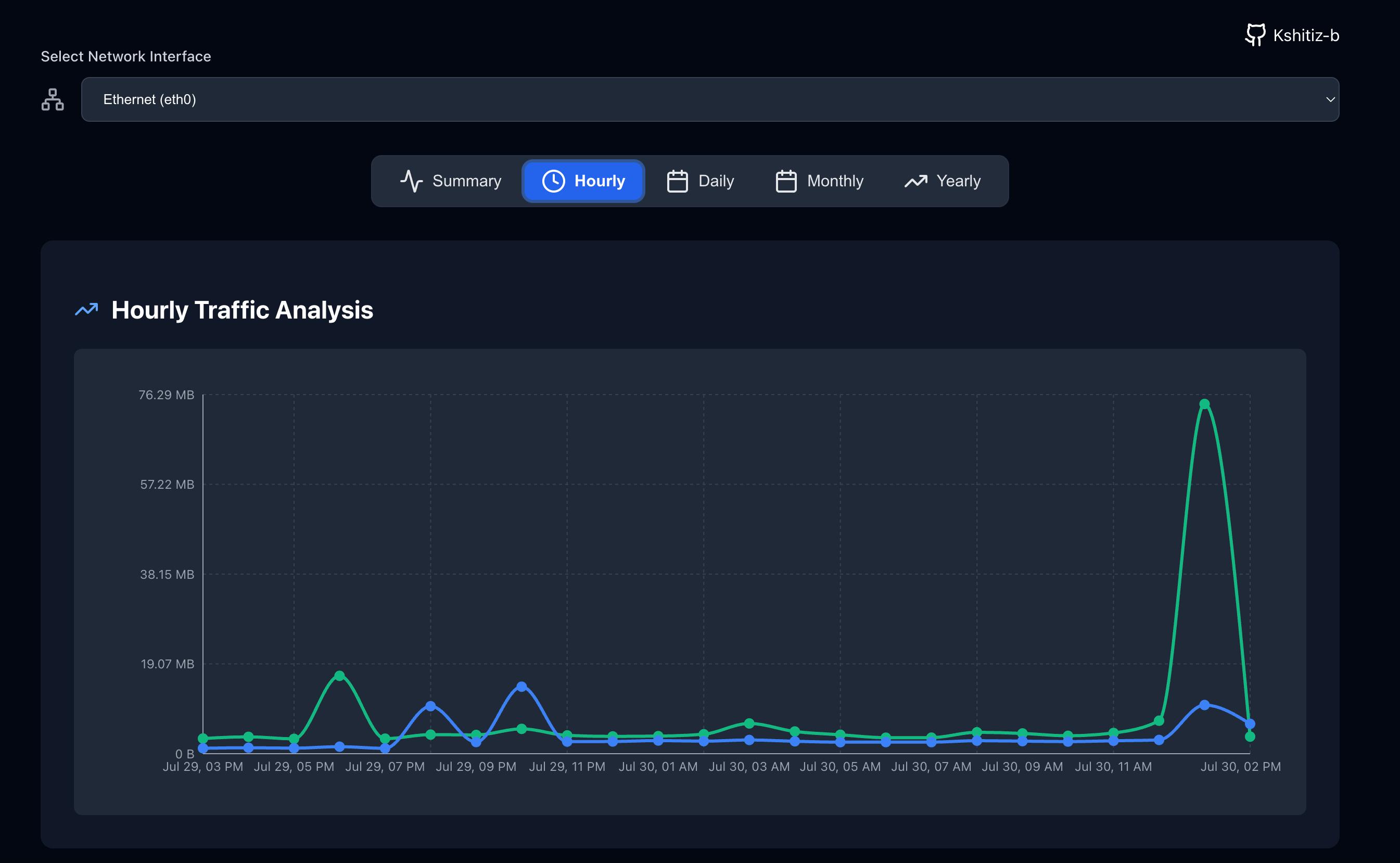
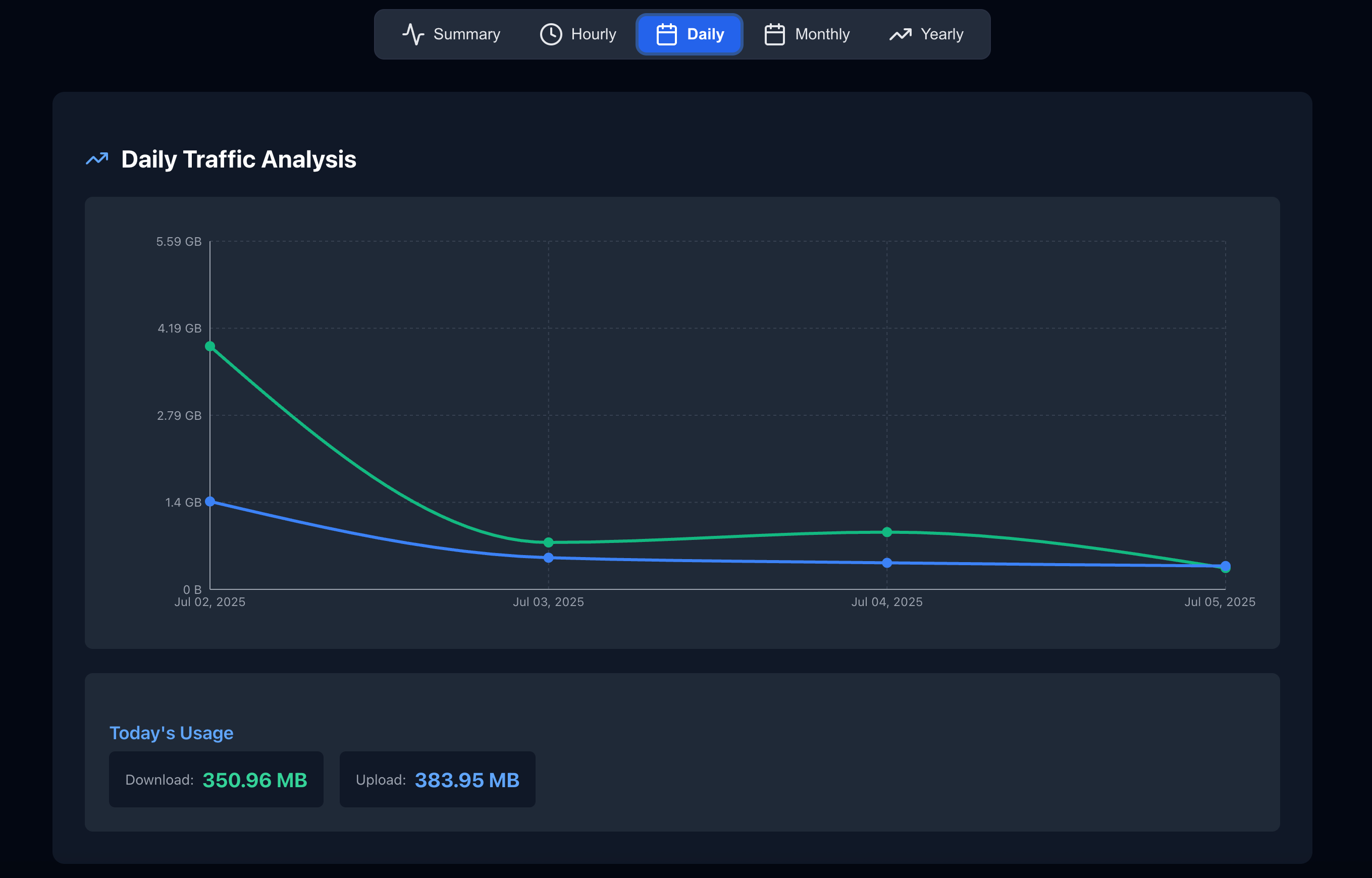
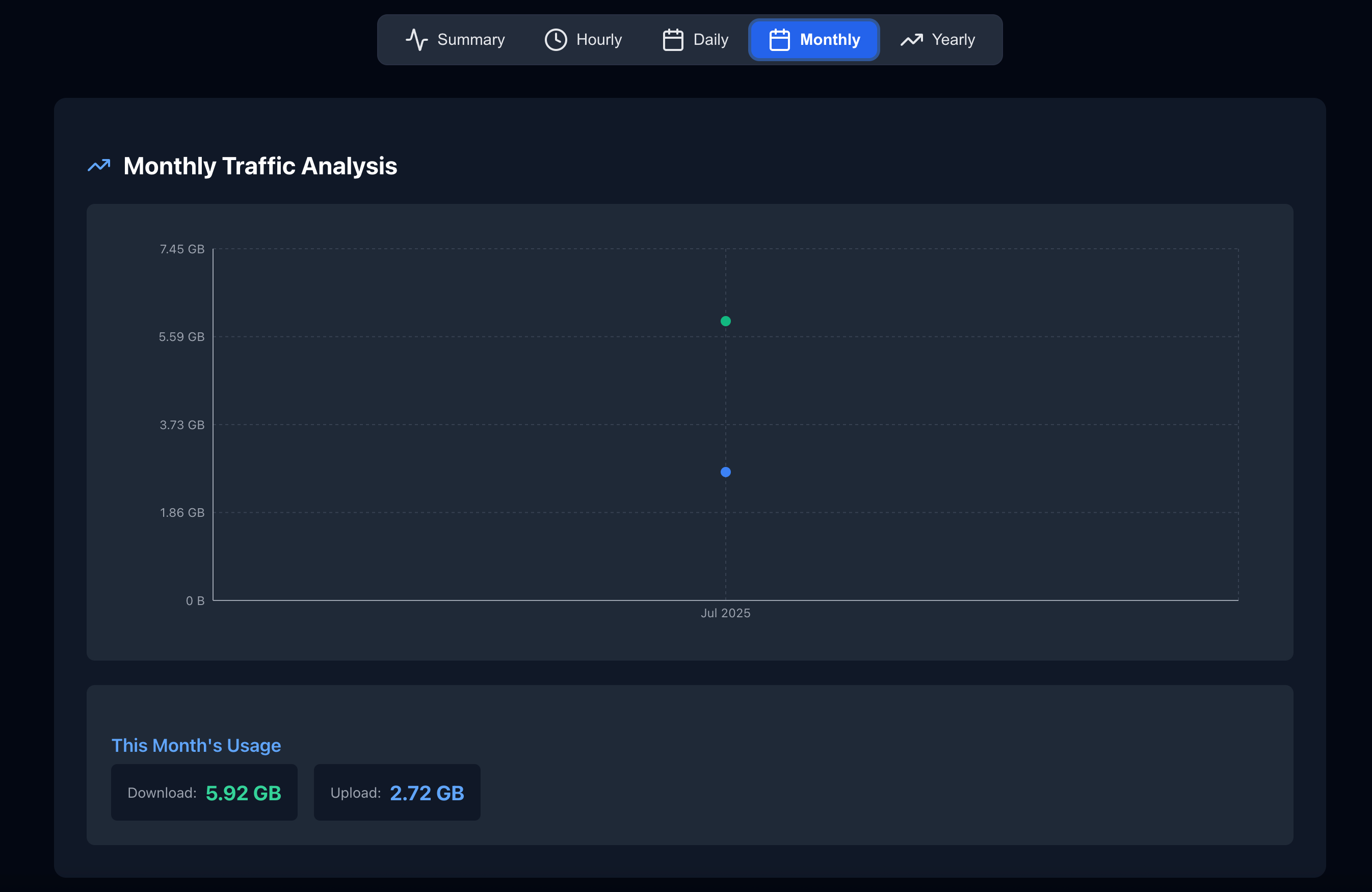
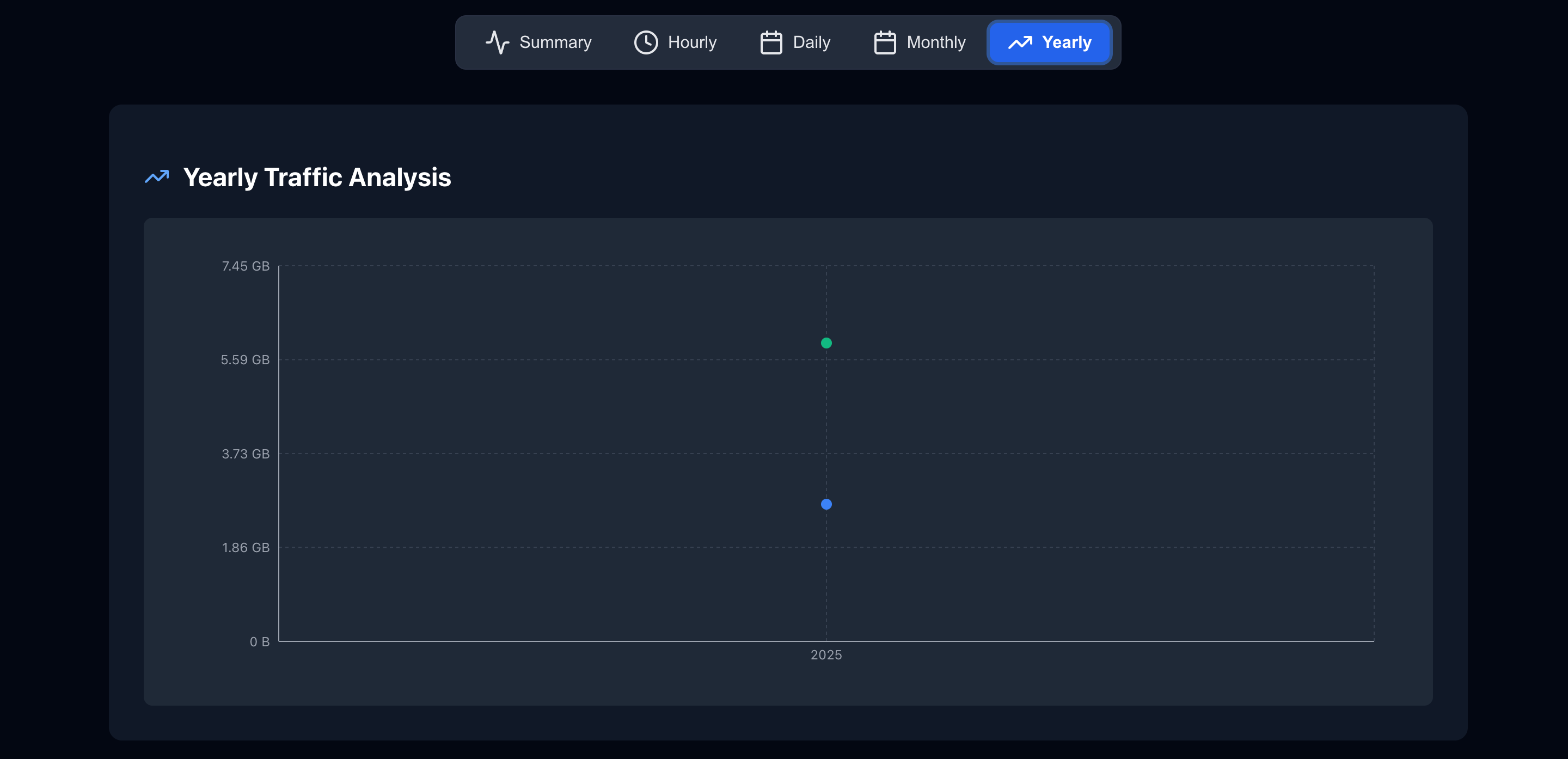
🔧 Requirements
- Docker installed
vnstatinstalled and daemon running on host (sudo apt install vnstat)- Raspberry Pi or any ARMv8/AMD64 compatible Linux device
🐳 Ports & API
- Frontend + API served on same port:
8050 - Backend API Endpoints:
/api/interfaces→ List of available interfaces/api/vnstat/:interface→ Detailed JSON data for that interface
🧩 Directory Structure
.
├── backend/
│   └── server.js
├── frontend/
│   ├── public/
│   └── src/
├── preview/
├── docker-compose.yml
├── Dockerfile
└── README.md
📛 Customization
- Configure detection rules in
backend/server.js - Change UI/theme in
frontend/src/App.jsor TailwindCSS
📝 License
MIT © Kshitiz
Tag summary
Content type
Image
Digest
sha256:b2dd6ef15…
Size
40.5 MB
Last updated
6 days ago
docker pull kshitizb/vnstat-dashboard