hurlenko/filebrowser
Web-based file manager. Small image size. Supports arm, arm64 and amd64 architectures.
10M+
hurlenko/filebrowser repository overview

filebrowser inside a docker container




Introduction
filebrowser provides a file managing interface within a specified directory and it can be used to upload, delete, preview, rename and edit your files. It allows the creation of multiple users and each user can have its own directory. It can be used as a standalone app or as a middleware.
Table of Contents
Screenshots
Desktop
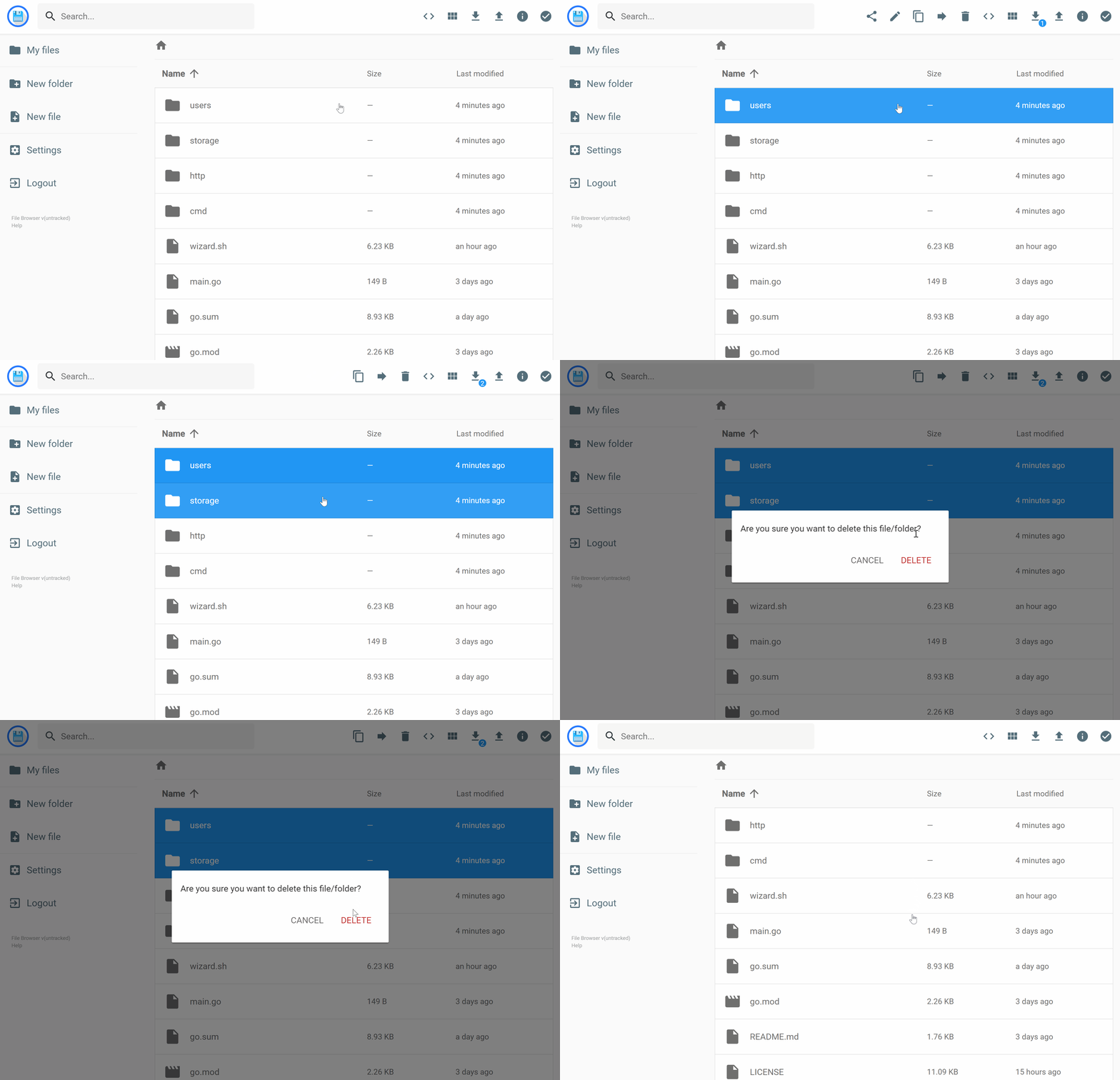
Mobile device
 |  |
Features
- Confgurable via environment variables
- Can be run using different user
- Supports multiple architectures, tested on Ubuntu 18.04 (
amd64), Rock64 🍍 (arm64) and Raspberry Pi 🍓 (arm32)
Usage
Docker
docker run -d --name filebrowser -p 80:8080 hurlenko/filebrowser
To run as current user and to map custom volume locations use:
docker run -d \
    --name filebrowser \
    --user $(id -u):$(id -g) \
    -p 8080:8080 \
    -v /DATA_DIR:/data \
    -v /CONFIG_DIR:/config \
    -e FB_BASEURL=/filebrowser \
    hurlenko/filebrowser
docker-compose
Minimal docker-compose.yml may look like this:
version: "3"

services:
  filebrowser:
    image: hurlenko/filebrowser
    user: "${UID}:${GID}"
    ports:
      - 443:8080
    volumes:
      - /DATA_DIR:/data
      - /CONFIG_DIR:/config
    environment:
      - FB_BASEURL=/filebrowser
    restart: always
Simply run:
docker-compose up
Running behind Nginx proxy
You can use this nginx config:
location /filebrowser {
    # prevents 502 bad gateway error
    proxy_buffers 8 32k;
    proxy_buffer_size 64k;

    client_max_body_size 75M;

    # redirect all HTTP traffic to localhost:8088;
    proxy_pass http://localhost:8080;
    proxy_set_header X-Real-IP $remote_addr;
    proxy_set_header Host $http_host;
    proxy_set_header X-Forwarded-For $proxy_add_x_forwarded_for;
    #proxy_set_header X-NginX-Proxy true;

    # enables WS support
    proxy_http_version 1.1;
    proxy_set_header Upgrade $http_upgrade;
    proxy_set_header Connection "upgrade";

    proxy_read_timeout 999999999;
}
Ports description
8080- default filebrowser port
Supported environment variables
The environment variables are prefixed by FB_ followed by the option name in caps. So to set "database" via an env variable, you should set FB_DATABASE. The list of avalable options can be found here.
Supported volumes
/data- Data directory to browse/config-filebrowser.dblocation
Attaching multiple directories
If you want to attach multiple directories you need to mount them as subdirectories of the data directory inside of the container (/data by default):
docker run \
    -v /path/to/music:/data/music \
    -v /path/to/movies:/data/movies \
    -v /path/to/photos:/data/photos \
    hurlenko/filebrowser
Building
git clone https://github.com/hurlenko/filebrowser-docker
cd filebrowser-docker
docker build -t hurlenko/filebrowser .
Tag summary
Content type
Image
Digest
sha256:55b5a83e9…
Size
18.6 MB
Last updated
14 days ago
docker pull hurlenko/filebrowser