friendsofredaxo/redaxo
Docker image for REDAXO
50K+
friendsofredaxo/redaxo repository overview

Docker image for REDAXO
This image for REDAXO CMS is developed and maintained by Friends Of REDAXO.
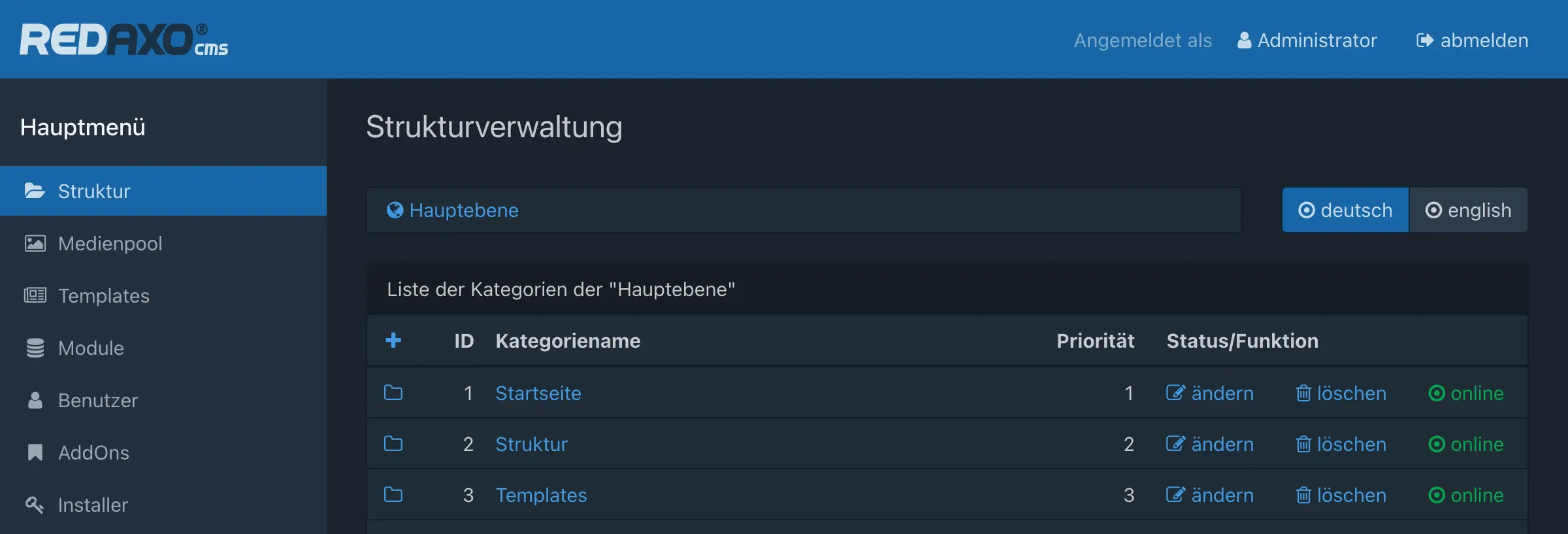
It is published both on Docker Hub and on GitHub Container Registry, so you can choose between:
friendsofredaxo/redaxoghcr.io/friendsofredaxo/redaxo
Supported tags
We provide two image variants:
- Stable:
5-stable,5
Contains the latest stable REDAXO 5.x version and the lowest PHP version with active support. - Edge:
5-edge
Contains the latest REDAXO 5.x, even beta versions, and the latest PHP, even RC versions.
Use this image for development and testing.
If you’re not sure, you probably want to go for friendsofredaxo/redaxo:5 🚀
Environment variables
🤖 REDAXO is auto-installed within the container if the web root is empty and all required environment variables are provided.
System settings:
REDAXO_SERVERREDAXO_SERVERNAMEREDAXO_ERROR_EMAILREDAXO_LANGREDAXO_TIMEZONE
Database settings:
REDAXO_DB_HOSTREDAXO_DB_NAMEREDAXO_DB_LOGINREDAXO_DB_PASSWORDREDAXO_DB_CHARSET:utf8mb4charset is recommended for full emoji support 🙋 but requires at least MySQL 5.7.7 or MariaDB 10.2! Useutf8with older database systems.
Admin user to be created:
REDAXO_ADMIN_USERREDAXO_ADMIN_PASSWORD: must comply with the password policy (requires at least 8 chars)
(See examples for docker run and docker-compose below)
Usage
Note that we use friendsofredaxo/redaxo:5 for the code examples.
With docker run
Remember that REDAXO requires a MySQL or MariaDB database. Could be either an external server or another Docker container.
$ docker run \
    --name my-redaxo-project \
    -d \
    -p 80:80 \
    -e REDAXO_SERVER='http://localhost' \
    -e REDAXO_SERVERNAME='My Website' \
    -e REDAXO_ERROR_EMAIL='[email protected]' \
    -e REDAXO_LANG='en_gb' \
    -e REDAXO_TIMEZONE='Europe/London' \
    -e REDAXO_DB_HOST='db' \
    -e REDAXO_DB_NAME='redaxo' \
    -e REDAXO_DB_LOGIN='redaxo' \
    -e REDAXO_DB_PASSWORD='s3cretpasswOrd!' \
    -e REDAXO_DB_CHARSET='utf8mb4' \
    -e REDAXO_ADMIN_USER='admin' \
    -e REDAXO_ADMIN_PASSWORD='PunKisNOT!dead' \
    friendsofredaxo/redaxo:5
With docker-compose
Example for REDAXO container with MariaDB container:
services:

  redaxo:
    image: friendsofredaxo/redaxo:5
    ports:
      - 80:80
    volumes:
      - redaxo:/var/www/html
    environment:
      REDAXO_SERVER: http://localhost
      REDAXO_SERVERNAME: 'My Website'
      REDAXO_ERROR_EMAIL: [email protected]
      REDAXO_LANG: en_gb
      REDAXO_TIMEZONE: Europe/London
      REDAXO_DB_HOST: db
      REDAXO_DB_NAME: redaxo
      REDAXO_DB_LOGIN: redaxo
      REDAXO_DB_PASSWORD: 's3cretpasswOrd!'
      REDAXO_DB_CHARSET: utf8mb4
      REDAXO_ADMIN_USER: admin
      REDAXO_ADMIN_PASSWORD: 'PunKisNOT!dead'

  db:
    image: mariadb:10.11
    volumes:
      - db:/var/lib/mysql
    environment:
      MYSQL_DATABASE: redaxo
      MYSQL_USER: redaxo
      MYSQL_PASSWORD: 's3cretpasswOrd!'
      MYSQL_RANDOM_ROOT_PASSWORD: 'yes'

volumes:
  redaxo:
  db:
Extend REDAXO setup via custom-setup.sh script 🚀
After REDAXO has been successfully installed, a /usr/local/bin/custom-setup.sh script is executed, if it is available. This can be quite useful for pre-installing REDAXO addOns, updating configuration or further customizing the environment.
For example, our website demos make use of it to auto-install demo packages via CLI. See custom-setup.sh of the base demo, copied via Dockerfile into the container.
Also, a working recipe: REDAXO + custom setup with pre-installed addons
Recipes
🧁 See recipes section for further examples!
Need help?
If you have questions or need help, feel free to contact us in Slack Chat! You will receive an invitation here: https://redaxo.org/slack/
Tag summary
Content type
Image
Digest
sha256:e5468abbf…
Size
263.5 MB
Last updated
22 days ago
docker pull friendsofredaxo/redaxo:5-edge