fancybits/channels-dvr repository overview
Channels DVR Server
Our flexible, standalone server that powers Channels.
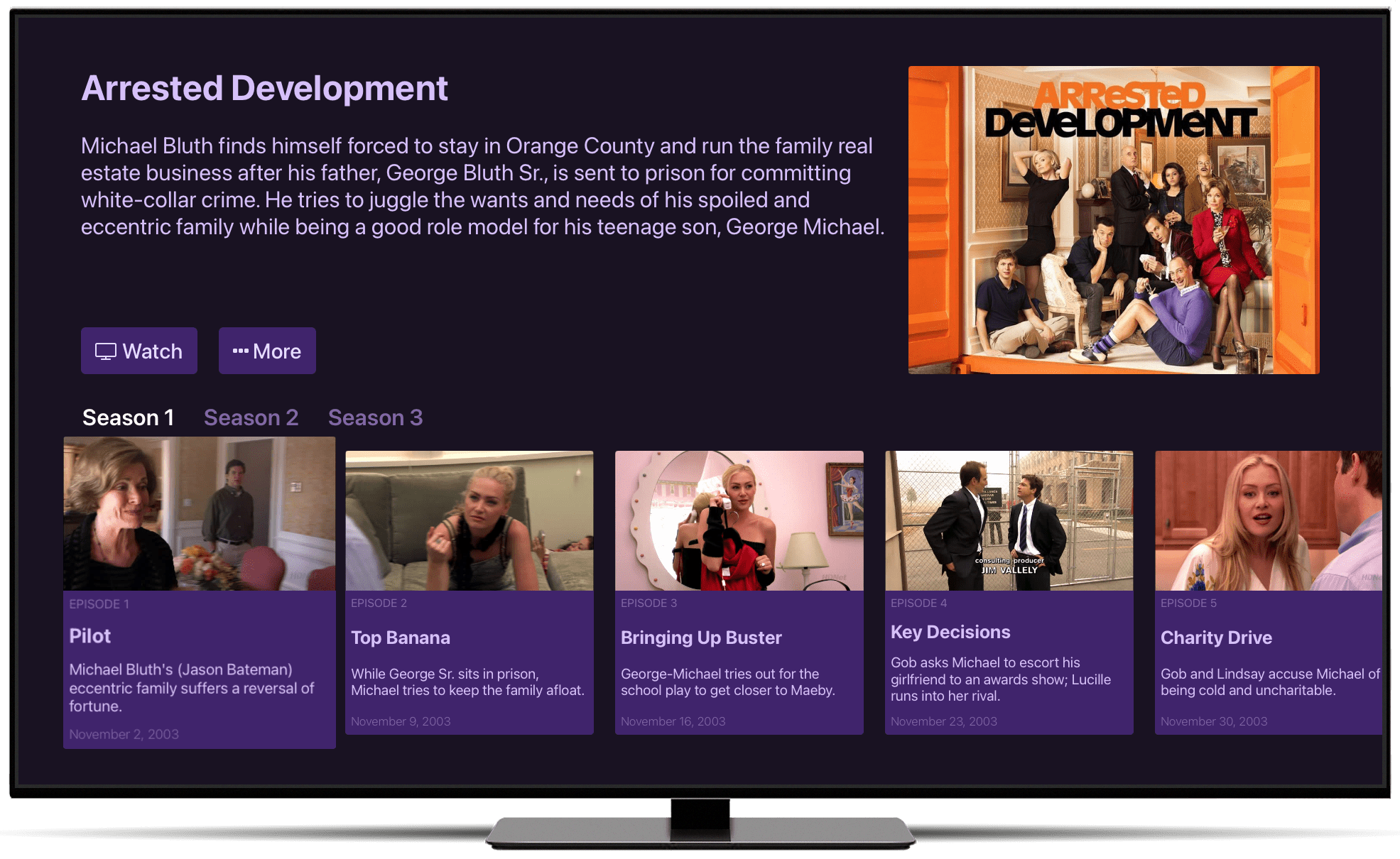
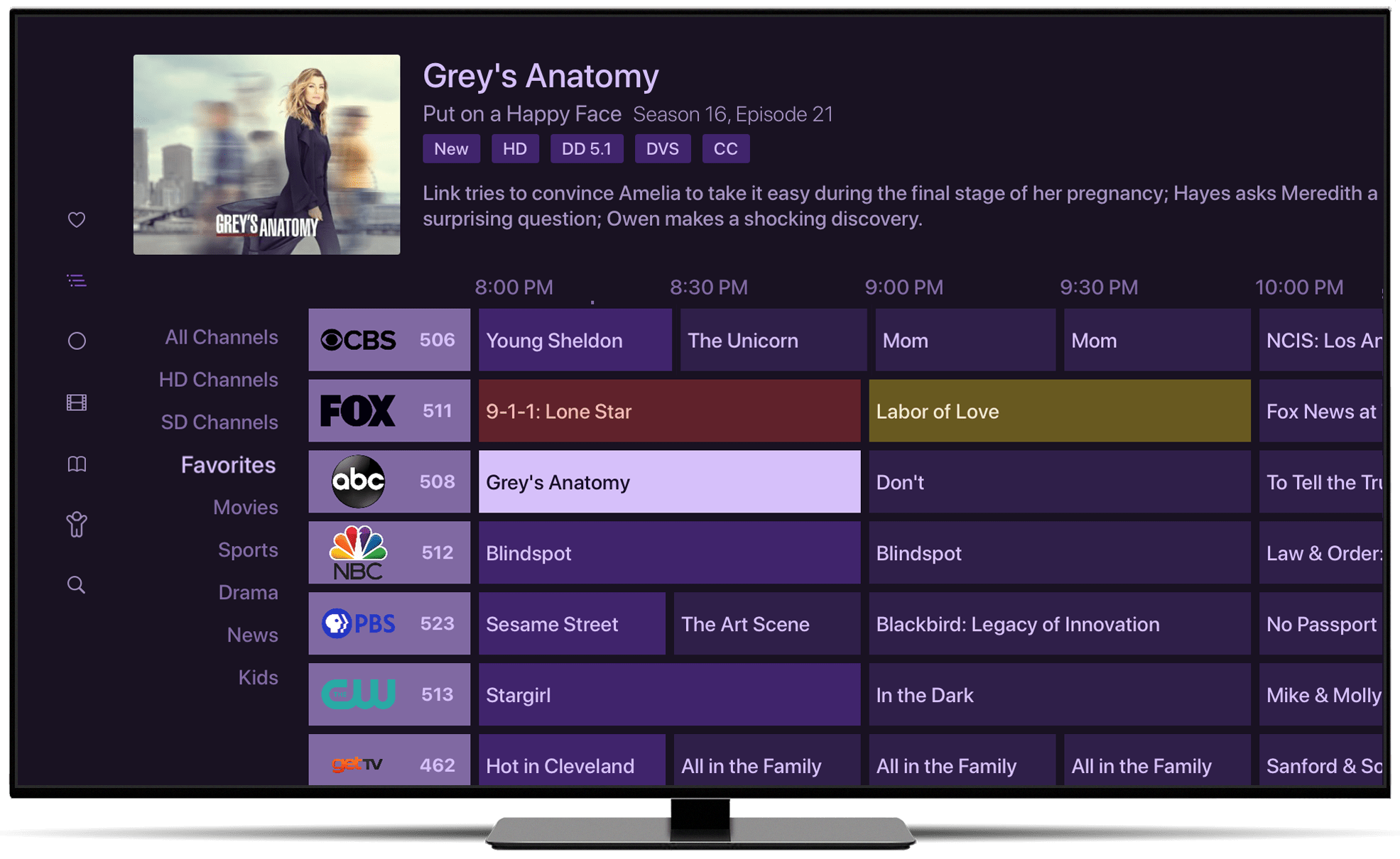
With Channels DVR Server you can build out a full media experience including personal media, live TV, DVR capabilities, and more.
Learn more about Channels at https://getchannels.com
Start up Channels DVR Server via Docker
docker
  --detach \
  --name=channels-dvr \
  --net=host \
  --restart=unless-stopped \
  --device /dev/dri:/dev/dri \
  --volume /mnt/disk/dvr/config:/channels-dvr \
  --volume /mnt/disk/dvr/recordings:/shares/DVR \
  fancybits/channels-dvr:latest
Docker Compose
channels-dvr:
  image: fancybits/channels-dvr:latest
  container_name: channels-dvr
  network_mode: host
  ports:
    - "8089:8089"
  restart: unless-stopped
  devices:
    - /dev/dri:/dev/dri
  volumes:
    - /mnt/disk/dvr/config:/channels-dvr
    - /mnt/disk/dvr/recordings:/shares/DVR
Install Notes
- The
--net=hostoption is required for Channels to discover your Channels DVR Server via Bonjour. - Neither Docker for Mac nor Docker for Windows support
--net=host. When running on these platforms, you'll have to connect to Channels DVR Server by IP address from Channels. You can do this in the Settings tab of the Channels app.
Support
Having troubles? Get support directly from the team, or post a question directly to our huge community of fans.
Tag summary
Content type
Image
Digest
sha256:fd0f0fd21…
Size
458.2 MB
Last updated
22 days ago
docker pull fancybits/channels-dvr:nvidia