elestio/serpbear
Serpbear, verified and packaged by Elestio
10K+
elestio/serpbear repository overview



Serpbear, verified and packaged by Elestio
Serpbear is an Open Source Search Engine Position Tracking App. It allows you to track your website's keyword positions in Google and get notified of their positions.
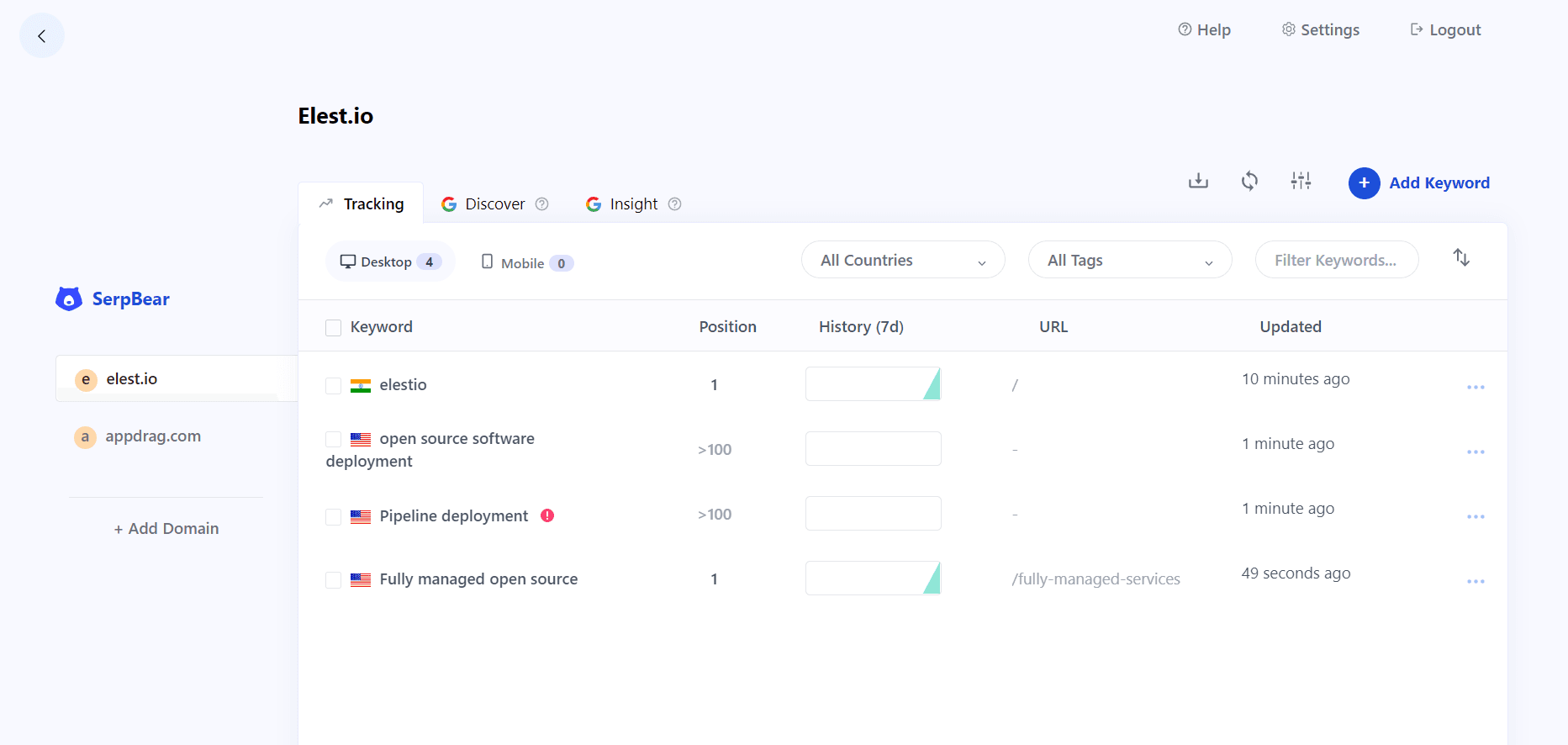

Deploy a fully managed Serpbear on elest.io if you want automated backups, reverse proxy with SSL termination, firewall, automated OS & Software updates, and a team of Linux experts and open source enthusiasts to ensure your services are always safe, and functional.
Why use Elestio images?
- Elestio stays in sync with updates from the original source and quickly releases new versions of this image through our automated processes.
- Elestio images provide timely access to the most recent bug fixes and features.
- Our team performs quality control checks to ensure the products we release meet our high standards.
Usage
Docker-compose
Here are some example snippets to help you get started creating a container.
version: "3.3"
services:
  app:
    image: elestio/serpbear:${SOFTWARE_VERSION_TAG}
    restart: always
    ports:
      - 172.17.0.1:3333:3000
    environment:
      - USER=${USER}
      - PASSWORD=${PASSWORD}
      - SECRET=${SECRET}
      - APIKEY=${APIKEY}
      - NEXT_PUBLIC_APP_URL=https://${DOMAIN}
      - SESSION_DURATION=${SESSION_DURATION}
    volumes:
      - serpbear_appdata:/app/data
volumes:
  serpbear_appdata:
Environment variables
| Variable | Value (example) |
|---|---|
| SOFTWARE_VERSION_TAG | latest |
| USER | admin |
| PASSWORD | your-password |
| SECRET | your-Secret |
| APIKEY | your-APIKEY |
| DOMAIN | https://your.domain |
| SESSION_DURATION | 1d |
Access
You can access the Web UI at: http://your-domain:3333
Maintenance
Logging
The Elestio Serpbear Docker image sends the container logs to stdout. To view the logs, you can use the following command:
docker-compose logs -f
To stop the stack you can use the following command:
docker-compose down
Backup and Restore with Docker Compose
To make backup and restore operations easier, we are using folder volume mounts. You can simply stop your stack with docker-compose down, then backup all the files and subfolders in the folder near the docker-compose.yml file.
Creating a ZIP Archive For example, if you want to create a ZIP archive, navigate to the folder where you have your docker-compose.yml file and use this command:
zip -r myarchive.zip .
Restoring from ZIP Archive To restore from a ZIP archive, unzip the archive into the original folder using the following command:
unzip myarchive.zip -d /path/to/original/folder
Starting Your Stack Once your backup is complete, you can start your stack again with the following command:
docker-compose up -d
That's it! With these simple steps, you can easily backup and restore your data volumes using Docker Compose.
Links
Tag summary
Content type
Image
Digest
sha256:5d7b80acb…
Size
94.1 MB
Last updated
about 2 months ago
docker pull elestio/serpbear:v3.1.0This week's pulls
Pulls:
1,374
Last week