abhinavsingh/proxy.py
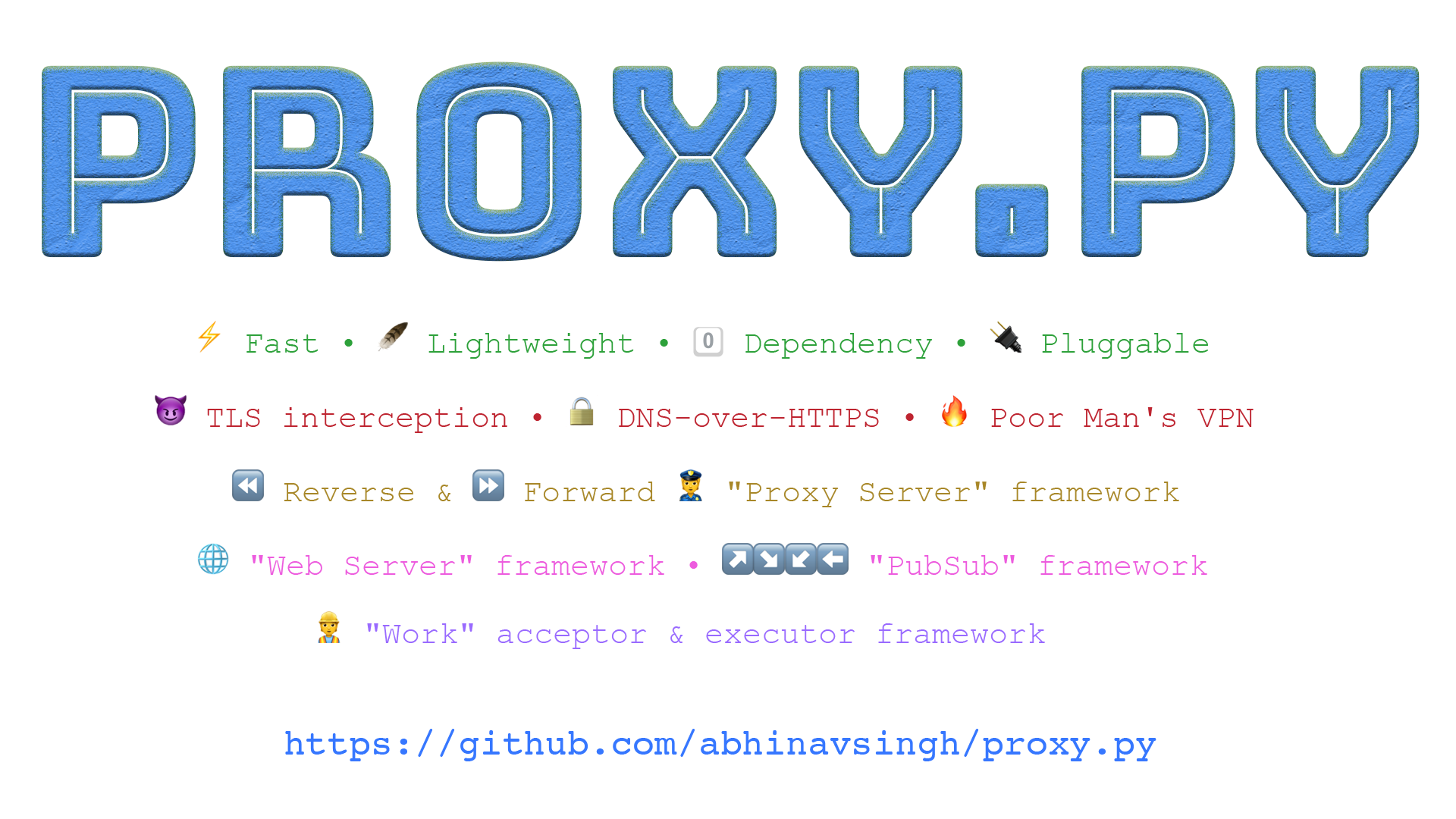
💫Ngrok Alternative •⚡Fast • 🔌 Pluggable • 😈TLS interception •👮🏿Proxy Server
500K+
abhinavsingh/proxy.py repository overview

















Features
-
Fast & Scalable
-
Scale up by using all available cores on the system
-
Threadless executions using asyncio
-
Made to handle
tens-of-thousandsconnections / sec# On Macbook Pro M2 2022 ❯ python --version Python 3.11.8 ❯ oha --version oha 1.4.3 ❯ ./benchmark/compare.sh CONCURRENCY: 100 workers, DURATION: 1m, TIMEOUT: 1sec ============================= Benchmarking Proxy.Py Server (pid:75969) running Summary: Success rate: 100.00% Total: 60.0006 secs Slowest: 0.2525 secs Fastest: 0.0002 secs Average: 0.0019 secs Requests/sec: 51667.3774 Total data: 56.17 MiB Size/request: 19 B Size/sec: 958.64 KiB Response time histogram: 0.000 [1] | 0.025 [3073746] |■■■■■■■■■■■■■■■■■■■■■■■■■■■■■■■■ 0.051 [10559] | 0.076 [4980] | 0.101 [2029] | 0.126 [5896] | 0.152 [2466] | 0.177 [116] | 0.202 [40] | 0.227 [52] | 0.253 [87] | Response time distribution: 10.00% in 0.0005 secs 25.00% in 0.0007 secs 50.00% in 0.0009 secs 75.00% in 0.0014 secs 90.00% in 0.0021 secs 95.00% in 0.0035 secs 99.00% in 0.0198 secs 99.90% in 0.1262 secs 99.99% in 0.1479 secs Details (average, fastest, slowest): DNS+dialup: 0.0018 secs, 0.0004 secs, 0.0031 secs DNS-lookup: 0.0000 secs, 0.0000 secs, 0.0002 secs Status code distribution: [200] 3099972 responses Error distribution: [100] aborted due to deadline =============================Consult Threads vs Threadless and Threadless Remote vs Local Execution Mode to control number of CPU cores utilized.
See Benchmark for more details and for how to run benchmarks locally.
-
-
Lightweight
- Uses only
~5-20 MBRAM- No memory leaks
- Start once and forget, no restarts required
- Compressed containers size is only
~25 MB - No external dependency other than standard Python library
- Uses only
-
Programmable
- Customize proxy behavior using Proxy Server Plugins. Example:
--plugins proxy.plugin.ProxyPoolPlugin
- Enable builtin Web Server. Example:
--enable-web-server --plugins proxy.plugin.WebServerPlugin
- Enable builtin Reverse Proxy Server. Example:
--enable-reverse-proxy --plugins proxy.plugin.ReverseProxyPlugin
- Plugin API is currently in development phase. Expect breaking changes. See Deploying proxy.py in production on how to ensure reliability across code changes.
- Customize proxy behavior using Proxy Server Plugins. Example:
-
Can listen on multiple addresses and ports
- Use
--hostnamesflag to provide additional addresses - Use
--portsflag to provide additional ports - Optionally, use
--portflag to override default port8899 - Capable of serving multiple protocols over the same port
- Use
-
Real-time Dashboard
- Optionally, enable proxy.py dashboard.
- Use
--enable-dashboard - Then, visit
http://localhost:8899/dashboard
- Use
- Inspect, Monitor, Control and Configure
proxy.pyat runtime - Chrome DevTools Protocol support
- Extend dashboard frontend using
typescriptbased plugins - Dashboard is currently in development phase Expect breaking changes.
- Optionally, enable proxy.py dashboard.
-
Secure
- Enable end-to-end encryption between clients and
proxy.py - See End-to-End Encryption
- Enable end-to-end encryption between clients and
-
Private
- Protection against DNS based traffic blockers
- Browse with malware and adult content protection enabled
- See DNS-over-HTTPS
-
Man-In-The-Middle
- Can decrypt TLS traffic between clients and upstream servers
- See TLS Interception
-
Supported http protocols for proxy requests
http(s)http1http1.1with pipeline
http2websockets
-
Support for
HAProxy Protocol- See
--enable-proxy-protocolflag
- See
-
Static file server support
- See
--enable-static-serverand--static-server-dirflags
- See
-
Optimized for large file uploads and downloads
- See
--client-recvbuf-size,--server-recvbuf-size,--max-sendbuf-sizeflags
- See
-
IPv4andIPv6support- See
--hostnameflag
- See
-
Unix domain socket support
- See
--unix-socket-pathflag
- See
-
Basic authentication support
- See
--basic-authflag
- See
-
PAC (Proxy Auto-configuration) support
- See
--pac-fileand--pac-file-url-pathflags
- See
Install
Stable version
$ pip install --upgrade proxy.py
Development version
$ pip install git+https://github.com/abhinavsingh/proxy.py.git@develop
Docker image
$ docker run -it -p 8899:8899 --rm abhinavsingh/proxy.py:v1.0.0
By default docker binary is started with following flags:
--hostname 0.0.0.0 --port 8899 --ipv4
To override input flags, start docker image as follows.
For example, to check proxy.py --version:
$ docker run -it \
    -p 8899:8899 \
    --entrypoint /app/proxy.py \
    --rm abhinavsingh/proxy.py:v1.0.0 \
    --version

docker image is currently broken on macOS due to incompatibility with vpnkit.
Usage
$ proxy.py -h
usage: proxy.py [-h] [--backlog BACKLOG] [--basic-auth BASIC_AUTH]
                [--client-recvbuf-size CLIENT_RECVBUF_SIZE]
                [--disable-headers DISABLE_HEADERS] [--disable-http-proxy]
                [--hostname HOSTNAME] [--ipv4] [--enable-web-server]
                [--log-level LOG_LEVEL] [--log-file LOG_FILE]
                [--log-format LOG_FORMAT] [--num-workers NUM_WORKERS]
                [--open-file-limit OPEN_FILE_LIMIT] [--pac-file PAC_FILE]
                [--pac-file-url-path PAC_FILE_URL_PATH] [--pid-file PID_FILE]
                [--plugins PLUGINS] [--port PORT]
                [--server-recvbuf-size SERVER_RECVBUF_SIZE] [--version]

proxy.py v1.0.0

optional arguments:
  -h, --help            show this help message and exit
  --backlog BACKLOG     Default: 100. Maximum number of pending connections to
                        proxy server
  --basic-auth BASIC_AUTH
                        Default: No authentication. Specify colon separated
                        user:password to enable basic authentication.
  --client-recvbuf-size CLIENT_RECVBUF_SIZE
                        Default: 1 MB. Maximum amount of data received from
                        the client in a single recv() operation. Bump this
                        value for faster uploads at the expense of increased
                        RAM.
  --disable-headers DISABLE_HEADERS
                        Default: None. Comma separated list of headers to
                        remove before dispatching client request to upstream
                        server.
  --disable-http-proxy  Default: False. Whether to disable
                        proxy.HttpProxyPlugin.
  --hostname HOSTNAME   Default: 127.0.0.1. Server IP address.
  --ipv4                Whether to listen on IPv4 address. By default server
                        only listens on IPv6.
  --enable-web-server   Default: False. Whether to enable
                        proxy.HttpWebServerPlugin.
  --log-level LOG_LEVEL
                        Valid options: DEBUG, INFO (default), WARNING, ERROR,
                        CRITICAL. Both upper and lowercase values are allowed.
                        You may also simply use the leading character e.g.
                        --log-level d
  --log-file LOG_FILE   Default: sys.stdout. Log file destination.
  --log-format LOG_FORMAT
                        Log format for Python logger.
  --num-workers NUM_WORKERS
                        Defaults to number of CPU cores.
  --open-file-limit OPEN_FILE_LIMIT
                        Default: 1024. Maximum number of files (TCP
                        connections) that proxy.py can open concurrently.
  --pac-file PAC_FILE   A file (Proxy Auto Configuration) or string to serve
                        when the server receives a direct file request. Using
                        this option enables proxy.HttpWebServerPlugin.
  --pac-file-url-path PAC_FILE_URL_PATH
                        Default: /. Web server path to serve the PAC file.
  --pid-file PID_FILE   Default: None. Save parent process ID to a file.
  --plugins PLUGINS     Comma separated plugins
  --port PORT           Default: 8899. Server port.
  --server-recvbuf-size SERVER_RECVBUF_SIZE
                        Default: 1 MB. Maximum amount of data received from
                        the server in a single recv() operation. Bump this
                        value for faster downloads at the expense of increased
                        RAM.
  --version, -v         Prints proxy.py version.

Proxy.py not working? Report at:
https://github.com/abhinavsingh/proxy.py/issues/new
Tag summary
Content type
Image
Digest
sha256:41e29c4e4…
Size
21.2 MB
Last updated
3 days ago
docker pull abhinavsingh/proxy.py:v2.4.11.dev5.gbbae74690